
kingtaka App — Download and Play Faster
Install the kingtaka App on Android for a cleaner, quicker, and more convenient mobile experience in Bangladesh. The APK gives you direct access to your account, smooth navigation, fast loading, and app-focused features designed for everyday use.
- Fast APK Install
- 24/7 Mobile Access
- BD Optimized Experience
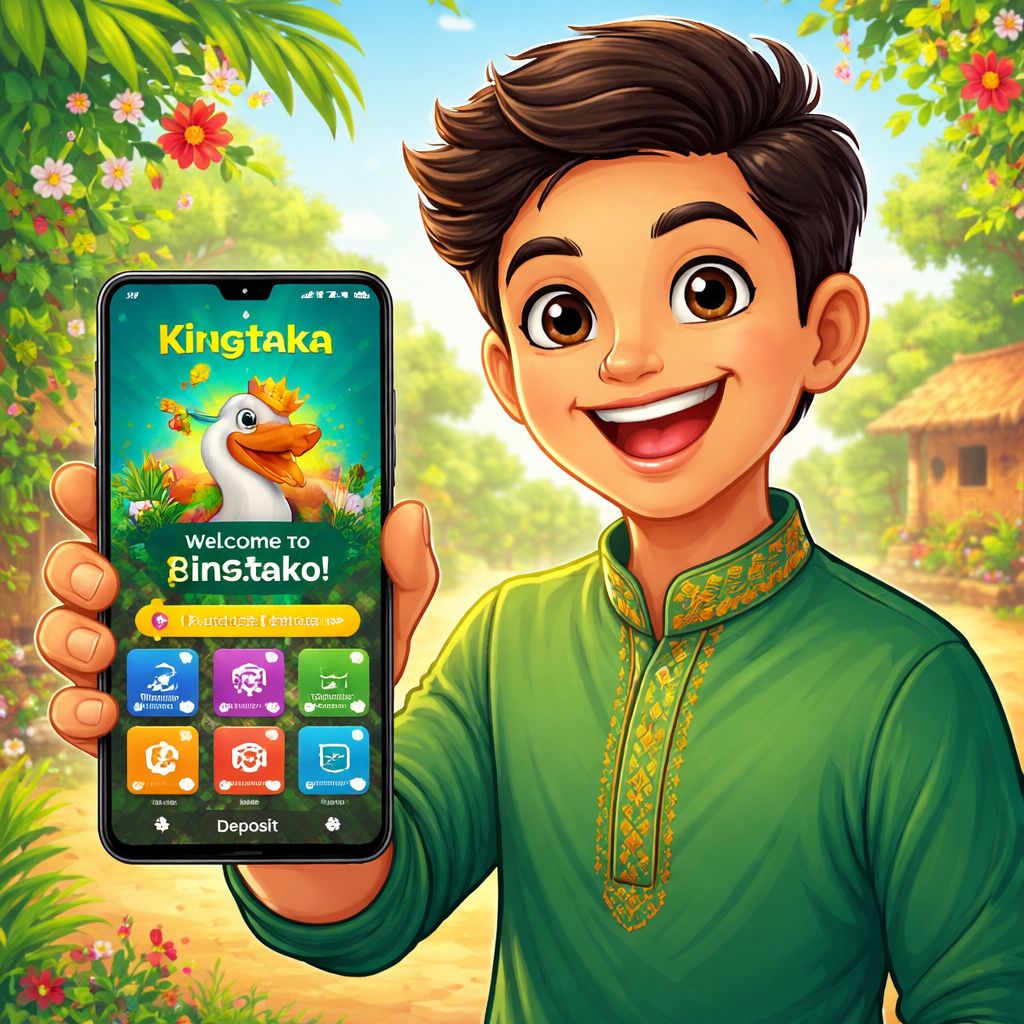
kingtaka App APK Installation Guide
Installing the kingtaka App is simple when you follow the correct APK steps. The process is designed for Android users in Bangladesh who want a direct and reliable mobile experience.
Step 1: Download the APK
Tap the Android download button and wait for the kingtaka APK file to finish downloading on your device. Make sure you have enough storage space and a stable internet connection before starting the process. If your browser asks for confirmation, approve the download from the official page only.
Step 2: Allow Installation
Open your Android settings when prompted and allow installation from your browser or file manager. This permission is needed because APK files are installed directly instead of through the Play Store. After enabling it, return to the downloaded kingtaka App file and continue the setup.
Step 3: Launch and Sign In
Once installation is complete, open the kingtaka App from your home screen or app drawer. Sign in with your existing account details or create a new account if you are a first-time user. You can then explore the mobile dashboard, account tools, and app features in a smooth Android layout.
Why Bangladesh Users Choose kingtaka App
The kingtaka App is built for users who prefer speed, simplicity, and direct access from their Android phone. Instead of opening a browser every time, the app keeps the experience focused and easy to reach. Menus are organized for smaller screens, so actions feel quicker and more natural. This makes the mobile journey more comfortable for daily use in Bangladesh.
Performance is one of the biggest advantages of using the kingtaka App. Pages load quickly, account sections are easier to find, and the interface is designed to reduce unnecessary steps. The APK also helps users avoid common browser distractions while keeping essential features close at hand. As a result, the app feels more stable, practical, and ready for mobile-first access.
Security and account control are also central to the kingtaka App experience. Users can manage their profile, check available options, and access key tools through a dedicated mobile environment. The app is designed to support safer sessions when downloaded from the official source. For the best result, users should always keep the latest APK version installed.
kingtaka App Features for Android Users
kingtaka Mobile Layout
The kingtaka App uses a mobile-first layout that works smoothly on Android screens. Buttons, menus, and account areas are arranged for quick tapping and easy reading. This helps users move through the app without zooming, searching, or dealing with crowded pages.
Fast kingtaka Access
With the APK installed, users can open kingtaka directly from the phone’s app screen. This removes the need to type a web address or search through browser tabs. The result is a faster start and a more convenient routine for returning users in Bangladesh.
Secure App Sessions
The kingtaka App is designed to support protected access when installed from the official download link. Users should avoid unknown APK sources and keep their app updated whenever a new version is released. These simple habits help maintain a safer and more reliable mobile experience.
App-Focused Updates
The Android app can make it easier to stay aware of platform updates and important account actions. A dedicated mobile environment helps users notice changes without relying only on a browser. This keeps the kingtaka experience organized, current, and more convenient on the go.
kingtaka App Download Tips for a Smooth Setup
Before installing the kingtaka App, check that your Android device has enough free space and a stable connection. A complete APK download helps prevent installation errors and corrupted files. It is also wise to close unnecessary apps during setup so the phone can process the installation smoothly. These small steps make the first launch faster and more reliable.
Always download the kingtaka APK from the official page rather than from shared links or unknown sources. Unverified APK files may be outdated, incomplete, or unsafe for your device. Using the official app link helps ensure that you receive the correct version for Bangladesh users. It also makes future updates easier to follow and install.
After installing the kingtaka App, open it once and review the main navigation. This helps you understand where account settings, key tools, and mobile options are located. If the app does not open correctly, restart your device and try again before reinstalling. Keeping your Android system updated can also improve compatibility and overall performance.
Explore kingtaka App Like a Mobile Pro
The kingtaka App is more than a shortcut because it creates a dedicated space for mobile access. Users in Bangladesh can move between important areas with fewer taps and less waiting. The app experience is designed to feel clean, familiar, and practical from the first session.
kingtaka App Dashboard
The dashboard gives users a clear starting point after opening the app. Important sections are placed where they are easy to see and simple to reach. This helps new and returning users understand the mobile flow without confusion.
kingtaka APK Convenience
An APK installation gives Android users direct control over how they access the platform. Once installed, the app is available from the home screen like any other mobile application. This makes daily access quicker and more convenient than repeatedly using a browser.
kingtaka Bangladesh Optimization
The kingtaka App is designed with Bangladesh users in mind, including mobile habits and on-the-go access needs. The interface focuses on speed, clarity, and practical navigation. This creates a smoother experience for users who rely on Android devices throughout the day.